

360° Overview
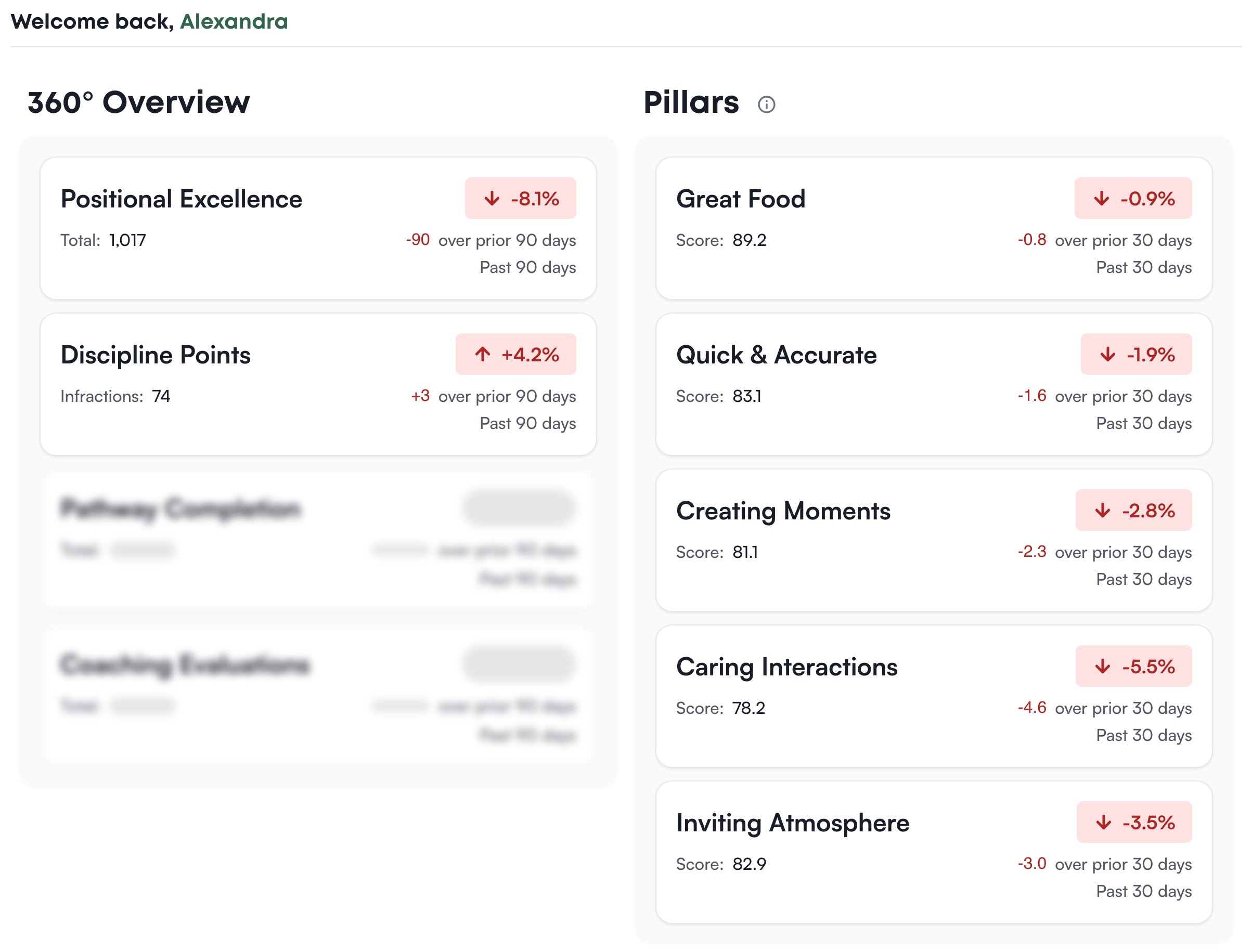
Positional Excellence counts the ratings submitted at this store in the past 90 days, with the change against the 90 days before. Click it to open Positional Excellence. Discipline Points counts the infractions recorded in the same period (the number of infractions, not their points), and a rise shows in red because more infractions is worse. Click it to open Discipline. The card is on the page only when your role can view the discipline dashboard. Pathway Completion and Coaching Evaluations are blurred placeholders for parts of Levelset that aren’t ready yet.Pillars
The five pillar cards score the store on Caring Interactions, Great Food, Quick & Accurate, Creating Moments and Inviting Atmosphere over the past 30 days, with the change against the period before. Click the info icon next to the Pillars heading to read what each pillar measures and how much it weighs, and click a card to open Goals > Pillars, which shows how each score is built. When the section reads Coming soon, pillar scoring isn’t part of your store’s plan yet; ask your manager.Who can do what
If you’re missing something here, ask whoever manages roles in your organization to turn it on.