

Ask a question
The page opens with How can I help you today? and a few starter prompts. Type into the box at the bottom and send. Questions that work well are the ones you would ask a colleague who had read everything: who submitted the most ratings last week, whose discipline record needs watching, what trends the ratings show, how a lagging goal is trending and which leading goals feed it, or what a term such as the FCR means. Levi answers for the store picked at the top of the dashboard, and every figure it gives comes from Levelset; it never fills a gap with a typical or assumed number.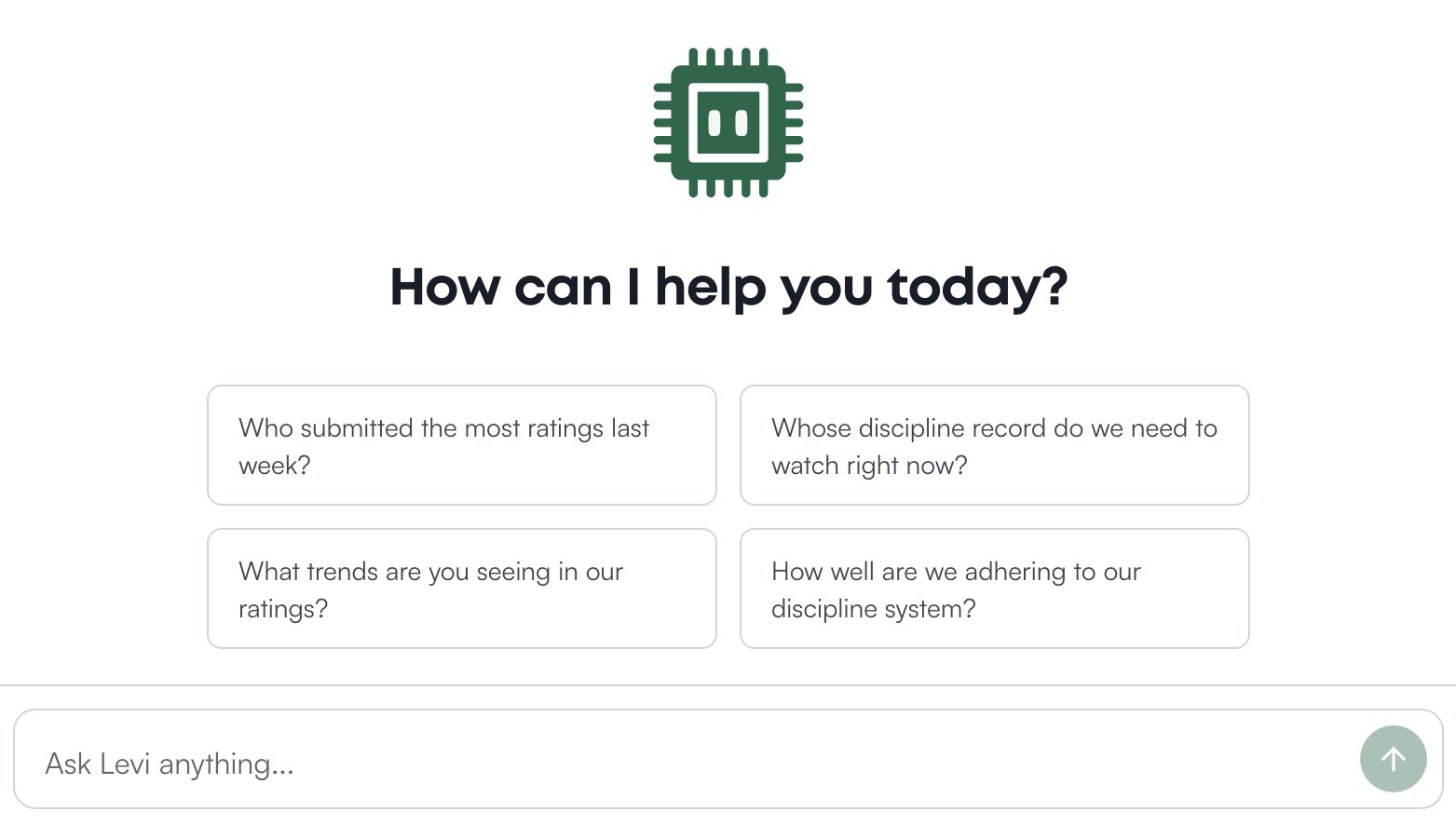
What Levi can see
Levi sees what your pages show you. It reads with your permissions, not its own, so the answer two people at different levels of your organization’s roles get to the same question differs the way the pages do: your own discipline and evaluations are always yours to ask about, other people’s follow the same rules as the Discipline and Evaluations pages, and a document is quoted only to the roles it is shared with (see Documents). Two things differ from the pages. Levi does not look up pay rates for anyone: pay reaches it only inside schedule and labor-cost totals, for people who can view the schedule, so ask it about a rate and it says it cannot look pay up from here, and pay rates live on the Roster instead (see Who can see pay). And the owner’s financial information, such as rent and other fees, royalties, the profit split and what the Operator earns, is answered only for people whose permission level includes a specific sensitive-information permission, named in the table below; defining a term such as the FCR is open to everyone.Let Levi draft an automation
Ask Levi in plain words for an alert, for example “email me when anyone gets a food safety infraction”, and it drafts an automation, a rule that sends a message when a form is submitted or a threshold is crossed, and shows it on a card with Confirm and Cancel. Drafting is the one thing Levi does for you; it does not submit ratings, file infractions or change a schedule. How a draft is built, who can confirm it and where the rule lives afterwards is on Let Levi draft one.Ask Levi in Slack
If your organization has connected Slack, a linked member can message Levi directly or mention it in a channel, under the same rules as this page. What that needs and how a channel differs from a direct message is on Ask Levi in Slack.Limits
There is a limit of 30 questions a minute across your whole organization, which a busy morning with several people asking at once can reach; Levi answers “Please wait a moment and try again.” Wait and ask again. How many questions a month your organization includes is on Billing.Who can do what
If you’re missing something here, ask whoever manages roles in your organization.
Common questions
Levi got something wrong.
Levi got something wrong.
Check the figure on its source page, then email support@levelset.io with what you asked. Levi reads your live data, and it can still misread a question.
Can Levi tell someone what a colleague earns?
Can Levi tell someone what a colleague earns?
No. Levi does not look up pay rates. Asked about your own pay, it points you to your leader.
Does Levi remember earlier conversations?
Does Levi remember earlier conversations?
A conversation lasts 24 hours from when it started and keeps about its last twenty messages. Facts you ask Levi to remember about your store are kept beyond that.